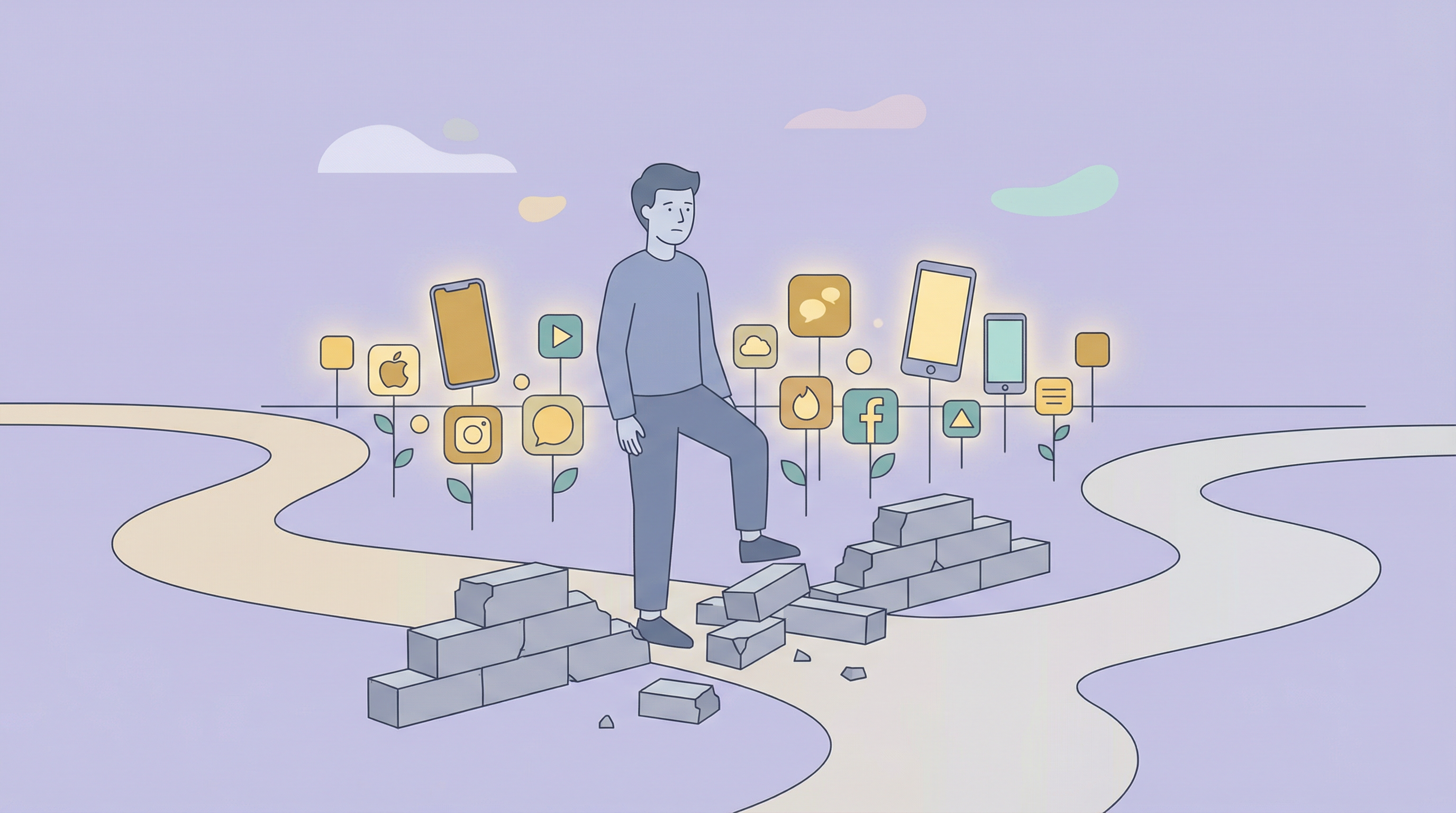
You've probably tried this: set a 30-minute daily limit on Instagram, feel virtuous for about a day, then find yourself tapping "Ignore Limit" every single time.
You're not alone. Millions of people have Screen Time enabled, and millions of people ignore it daily. The feature that was supposed to solve phone addiction has become just another notification to dismiss.
Time limits don't work. Here's why - and what actually helps.
The Psychology of Why Time Limits Fail
1. Future Consequences Don't Motivate Present Behavior
When you set a limit, you're making a commitment for your future self. But the person who has to honor that commitment - you at 9 PM when you want to scroll - isn't the same person who made it. Your tired, bored, evening self doesn't care what your motivated morning self decided.
This is called temporal discounting - we naturally value immediate rewards over future benefits. A time limit is a future punishment for a present pleasure, and that math doesn't work out.
2. "Ignore Limit" Is Too Easy
Apple's Screen Time shows you a warning, then offers two options: "OK" (close the app) or "Ignore Limit." Both require exactly one tap. There's no real friction. The warning becomes noise you automatically dismiss.
Compare this to how casinos work: there are no clocks, no windows, no natural stopping points. Casinos understand that any interruption breaks the spell. Apple's warning is so brief and so easy to bypass that it doesn't actually interrupt anything.
3. Time Doesn't Equal Harm
The underlying assumption of time limits is that "time on phone = bad." But that's too simplistic. 30 minutes of video calling family isn't the same as 30 minutes of doomscrolling. An hour of using Duolingo isn't the same as an hour of TikTok.
By treating all screen time equally, time limits feel arbitrary. You know the limit is kind of meaningless, so you don't take it seriously.
4. Limits Feel Like Punishment
Nobody likes being told "no." Time limits frame your phone use as something bad that needs to be controlled. This creates a rebellious psychological response - you want to use the app more because it's forbidden.
This is called psychological reactance. The more something is restricted, the more attractive it becomes.
5. No Alternative Is Offered
When your limit hits and Instagram is blocked, what are you supposed to do? The limit just creates a void. Without a replacement activity, you'll either tap "Ignore" or find another draining app that isn't limited.
What Time Limits Get Wrong
Here's a summary of the fundamental problems:
- They're punitive, not rewarding - You're avoiding punishment, not earning something good
- They're easy to bypass - One tap and you're through
- They treat all screen time equally - No distinction between healthy and unhealthy use
- They rely on willpower - Which you don't have at 10 PM
- They don't offer alternatives - Just a blocked app and frustration
- They create restriction mindset - Which increases craving
What Actually Works Instead
Friction, Not Blocks
Instead of blocking after a time limit, add friction before opening. A brief pause, a question ("Is this intentional?"), a few extra steps. This interrupts the autopilot behavior without creating the forbidden-fruit effect of a hard block.
Earning Instead of Restricting
Flip the model: instead of "you can't use Instagram after 30 minutes," try "you can use Instagram after you go for a walk." This changes the psychology from restriction to reward. You're working toward something, not fighting against a limit.
This is the core idea behind Stimulus - you earn screen time through healthy activities like movement, exercise, and using productive apps.
Distinguishing Draining vs. Earning
Not all apps are equal. A good system recognizes that reading apps, meditation apps, and educational apps are different from social media and games. Instead of limiting all screen time, limit the specifically draining apps while allowing - even encouraging - healthier ones.
Visible Trade-Offs
Make the cost of scrolling visible in real-time. If you can see your "stimulation budget" draining as you scroll, you become more aware of the trade-off you're making. This awareness alone changes behavior - you stop scrolling not because you're blocked, but because you can see what it's costing you.
Environmental Design
The best way to change behavior isn't willpower or limits - it's changing your environment. Move addictive apps off your home screen. Charge your phone in another room. Log out of social media so you have to log back in. Make the desired behavior the easy behavior.
How to Use Screen Time More Effectively
If you're going to use Apple's Screen Time, here's how to make it work better:
- Use Downtime instead of app limits - Schedule hours when most apps are blocked, rather than time limits per app
- Make the passcode inconvenient - Have someone else set your Screen Time passcode, or set one you'll forget
- Combine with other friction - Move limited apps to a folder, log out, use grayscale
- Focus on the worst offenders - Don't limit everything, just the 2-3 apps that cause real problems
- Plan what you'll do instead - When the limit hits, have a book, podcast, or activity ready
Key Takeaways
- Screen Time limits fail because they rely on future consequences to change present behavior
- "Ignore Limit" is too easy - one tap bypasses the entire system
- Time limits create psychological reactance - forbidden things become more attractive
- Treating all screen time equally makes limits feel arbitrary
- Friction (small barriers) works better than blocks (hard stops)
- Earning screen time through healthy activities beats restricting it through limits
- Environmental changes (phone in another room) are more effective than willpower
- If you use Screen Time, combine it with other friction and plan alternative activities
Ready for an Approach That Works?
Stimulus uses earning and friction instead of punitive time limits.
No spam. Just launch updates. Unsubscribe anytime.