
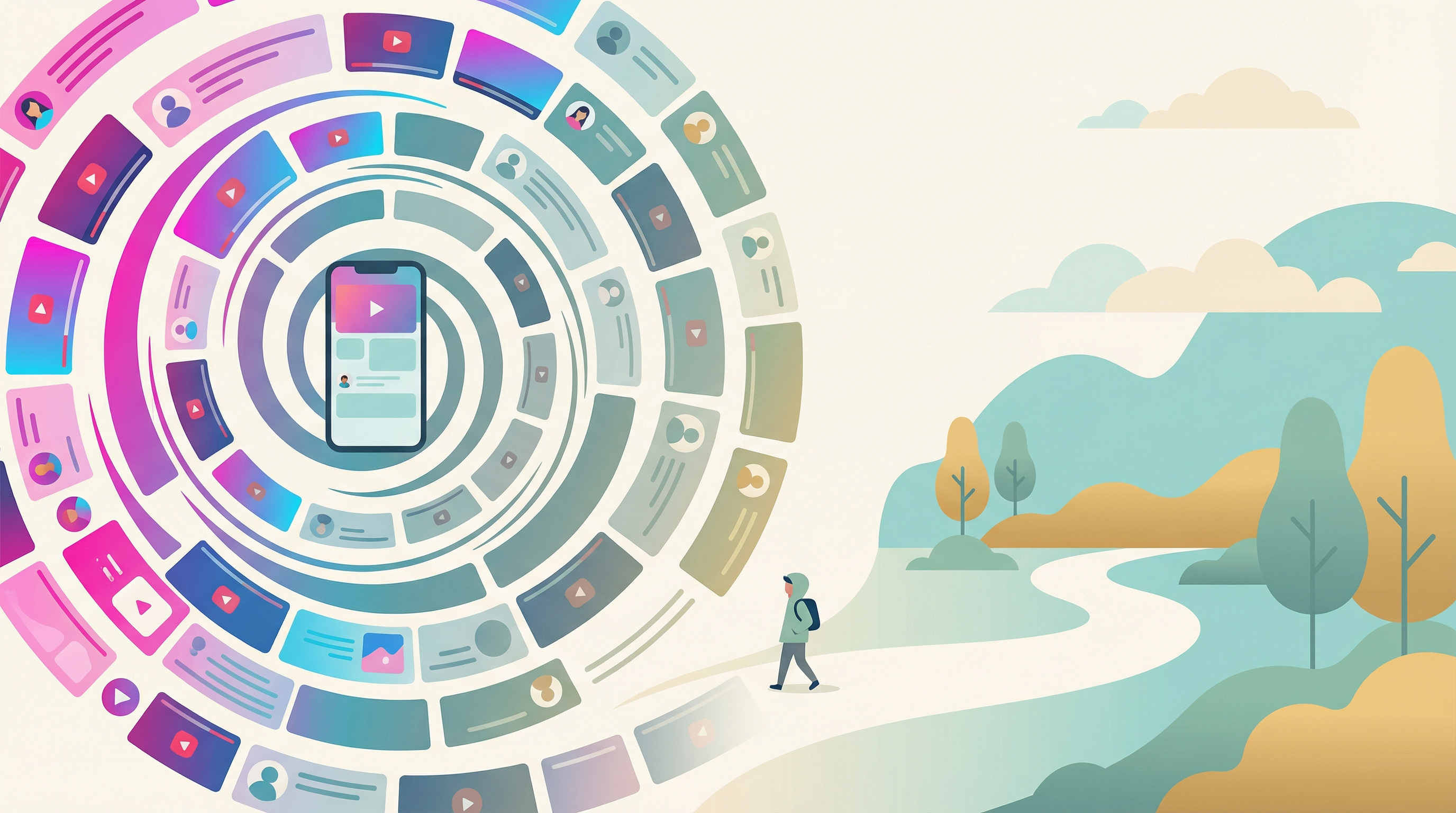
TikTok is different from other social media. The algorithm is so good at predicting what you want to see that resistance feels futile. You open the app to watch one video and emerge 45 minutes later wondering what happened.
The obvious advice is to delete it. But maybe you don't want to. Maybe you use it for work, find genuine value in the content, or just don't want to miss out. That's valid.
Here's how to reduce your TikTok usage without deleting the app.
Why TikTok Is Harder to Resist Than Other Apps
Understanding what you're up against helps you strategize better:
The Algorithm Is Extremely Personalized
TikTok learns your preferences faster than any other platform. Within minutes, it's serving content that's specifically tuned to your interests. This creates a feeling that every video is "for you" - because it literally is.
Short Videos Reset Your Attention
Each video is a new dopamine opportunity. Unlike a long YouTube video where you might get bored, TikTok gives you a fresh hit every 15-60 seconds. Your brain never has a chance to disengage.
No Natural Stopping Point
There's no end to the For You page. No "you've reached the end" message. No episode that concludes. The content is infinite, so you have to create your own stopping point.
Sound Creates Immersion
TikTok is meant to be watched with sound. This creates a more immersive experience than scrolling Instagram, making it harder to pull yourself out.
Practical Strategies to Reduce TikTok Time
1. Remove It From Your Home Screen
The simplest change with the biggest impact. Move TikTok to a folder on your last app page. Out of sight, out of mind. You can still access it - it just won't catch your eye every time you unlock your phone.
2. Turn Off Notifications Completely
TikTok notifications exist to pull you back in. New followers, comments, likes - these are engineered to create the urge to open the app. Turn them all off. If you want to check notifications, do it intentionally when you open the app.
3. Use TikTok's Built-In Screen Time Features
TikTok has its own screen time management tools (required in some regions). Go to Settings > Digital Wellbeing:
- Screen Time Management: Set a daily time limit
- Screen Time Breaks: Get reminders to take breaks
- Restricted Mode: Limits some content types
These are easy to bypass, but they add friction and awareness.
4. Schedule TikTok Time
Instead of opening TikTok whenever, decide when you'll use it. Maybe 20 minutes after dinner. Maybe during your commute. Having a designated "TikTok time" prevents the constant checking throughout the day.
5. Set a Pre-Commitment
Before opening TikTok, decide how long you'll stay. Say out loud: "I'm watching TikTok for 15 minutes." Set a timer. When it goes off, close the app. This external commitment is more effective than trying to feel when you've had enough.
6. Use Stimulus or Similar Apps
Stimulus lets you mark TikTok as a "draining" app. When you've used up your daily stimulation budget, a gentle shield appears before TikTok opens. You can still tap through, but that moment of pause often breaks the autopilot.
7. Disable Auto-Play
In Settings > Accessibility, you can turn off auto-play for videos. This creates a small pause between each video, breaking the seamless flow that keeps you scrolling.
8. Use TikTok on Desktop Only
A somewhat extreme option: delete the app but use TikTok through a web browser on your computer. It's less convenient and less optimized, which naturally limits your usage to intentional sessions.
Curate Your Feed to Be Less Addictive
Not all TikTok content is equally compelling. You can intentionally make your feed less addictive:
- Long press videos you don't like and tap "Not Interested"
- Avoid engaging with rage bait or content that makes you angry
- Follow accounts intentionally rather than letting the algorithm decide everything
- Spend time in the Following tab instead of For You - it's less optimized for addiction
- Interact with educational content you actually want to see more of
What "Enough" Looks Like
How much TikTok is too much? There's no universal answer, but here are signs you might want to cut back:
- You pick up your phone without thinking and TikTok is open
- You often lose track of time while using it
- You feel worse after using it (tired, anxious, unproductive)
- It's affecting your sleep, work, or relationships
- You've tried to reduce but can't seem to stick to limits
A reasonable goal for most people: under 30 minutes per day, in 1-2 intentional sessions. Some people can handle more; some need less.
Key Takeaways
- TikTok's algorithm and short video format make it uniquely addictive
- Remove the app from your home screen and disable notifications
- Use TikTok's built-in screen time features for basic limits
- Schedule specific times for TikTok rather than checking constantly
- Set a timer before opening and commit to closing when it goes off
- Use apps like Stimulus to add friction before opening
- Curate your feed to be less addictive by using "Not Interested" liberally
- Aim for under 30 minutes per day in intentional sessions
Want Help Managing TikTok?
Stimulus helps you earn screen time through healthy activities - making TikTok a reward, not a default.
No spam. Just launch updates. Unsubscribe anytime.